01
Hazards near your computer
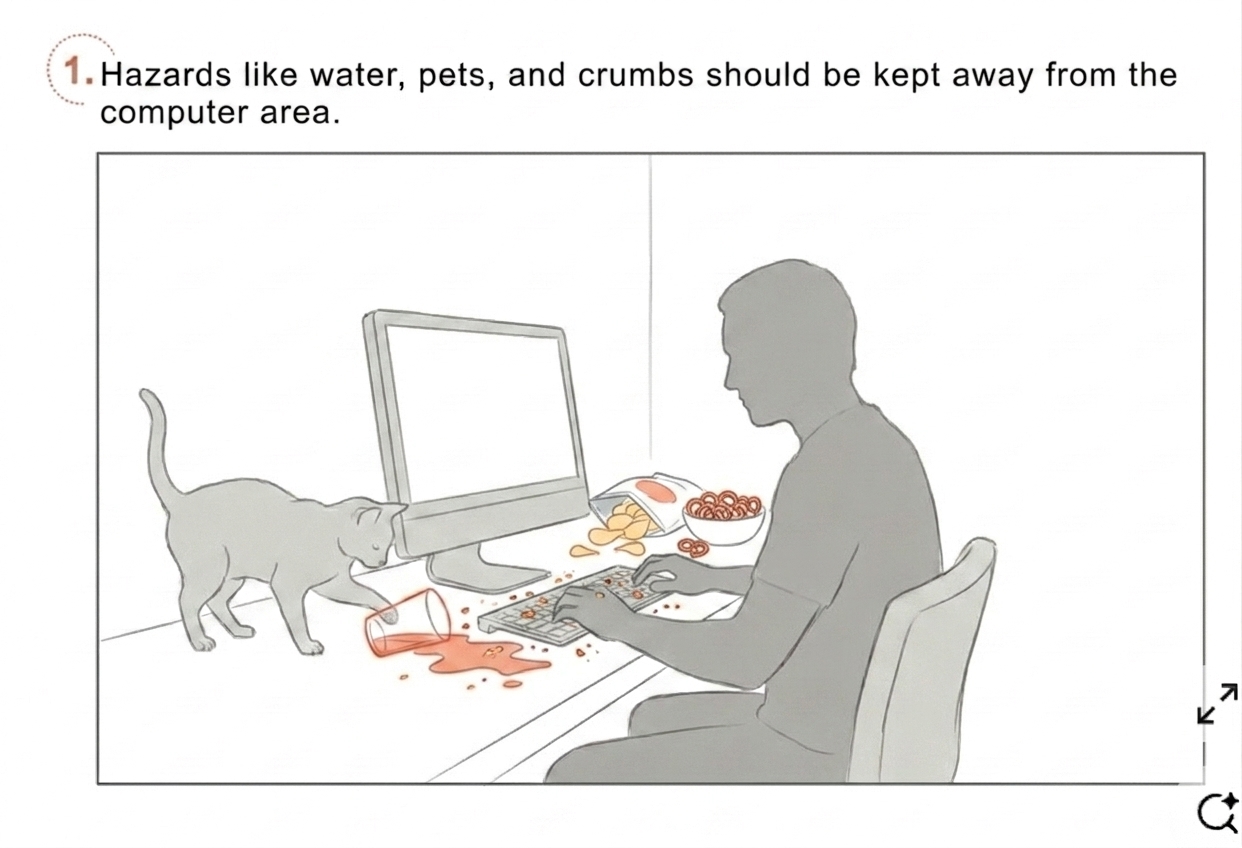
Drinks, food, pets, or unstable items near a laptop can trigger a clear warning before something gets damaged.
AI desk companion · Computer vision · 2026
Desk Talk is a desktop agent system that turns items on the desk into living companions with memory.

Desk Talk begins with the problem that people spend hours at their desks, but the desk itself does not help them notice small issues before they become distractions. Spills, lost items, clutter, phone distraction, poor posture, and forgotten habits can all interrupt focus or damage the workspace.
How can we prevent everyday desk problems, such as spills, lost items, clutter, and unhealthy habits, before they interrupt a person’s work?
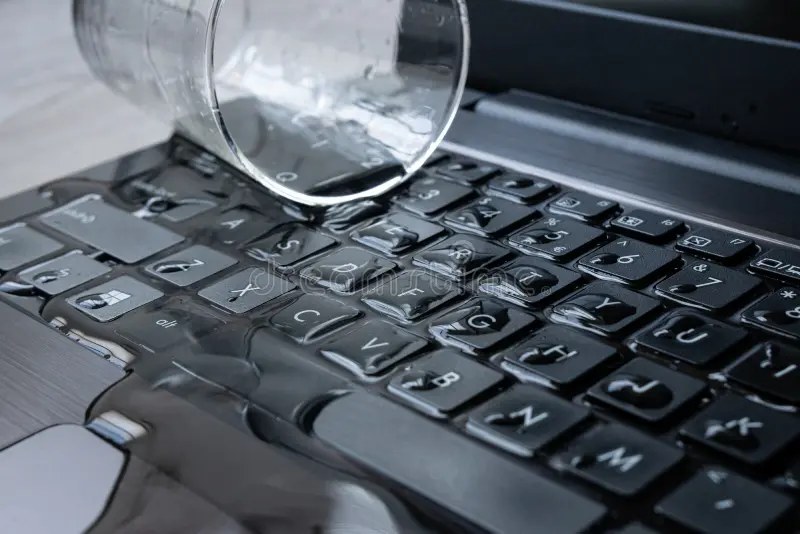
You must have spilled a beverage on your desk before. Most people just say, “Oh well, I will be more careful next time,” but no one really takes meaningful action or finds a solution to these problems. Every day, we spend a lot of time around the desk, longer than almost any other place in the house. On the desk, we have computers, cups, keys, books, phones, headphones, and other daily items. But these items are not actively maintained or kept organized, which can lead to lost keys, water spills, clutter, and interruptions.
Desk Talk uses a camera and a chat-style interface to track what is on your desk and turn everyday items into gentle reminders that keep you organized and focused. It can warn you about spills or clutter, remind you to take breaks and stay on track, and help you find items you have misplaced. It is not just a system that reminds you to do things; it is a desktop agent system that turns the items on your desk into living companions with memory.
Each scenario is based on a common desk problem: physical risk, missing items, and repeated habits.
Drinks, food, pets, or unstable items near a laptop can trigger a clear warning before something gets damaged.
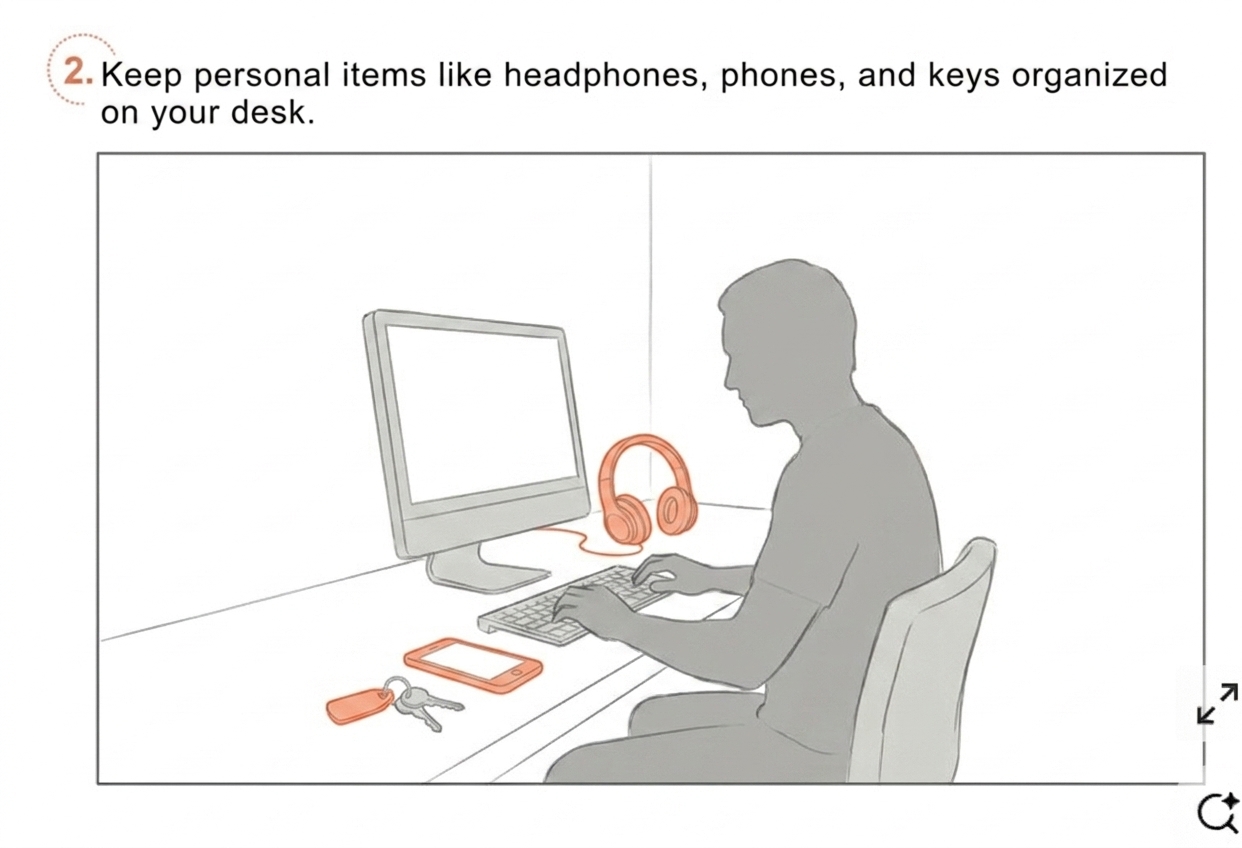
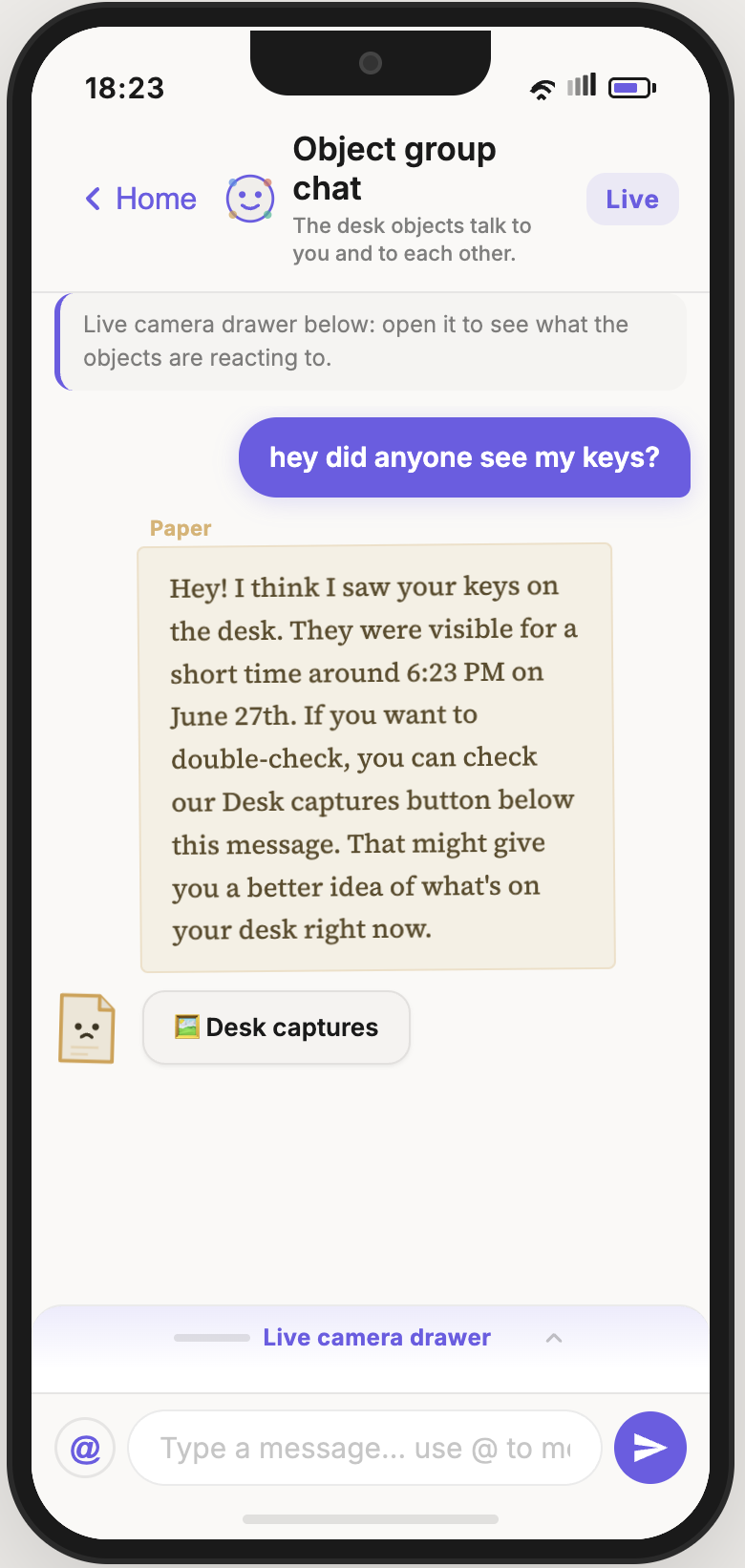
Keys, headphones, phones, and other small items can be tracked through last-seen memory and object recognition.
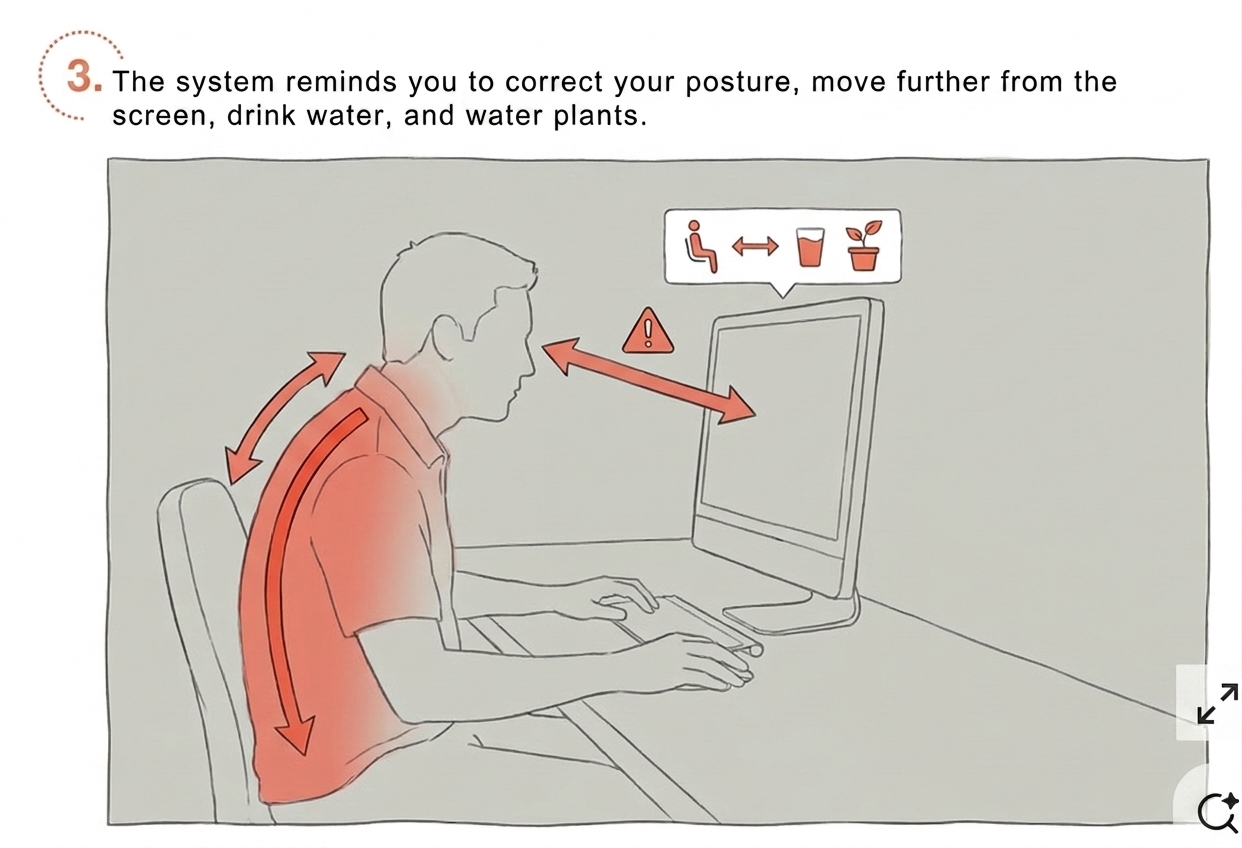
The system notices posture, screen distance, hydration, phone distraction, and other repeated patterns.
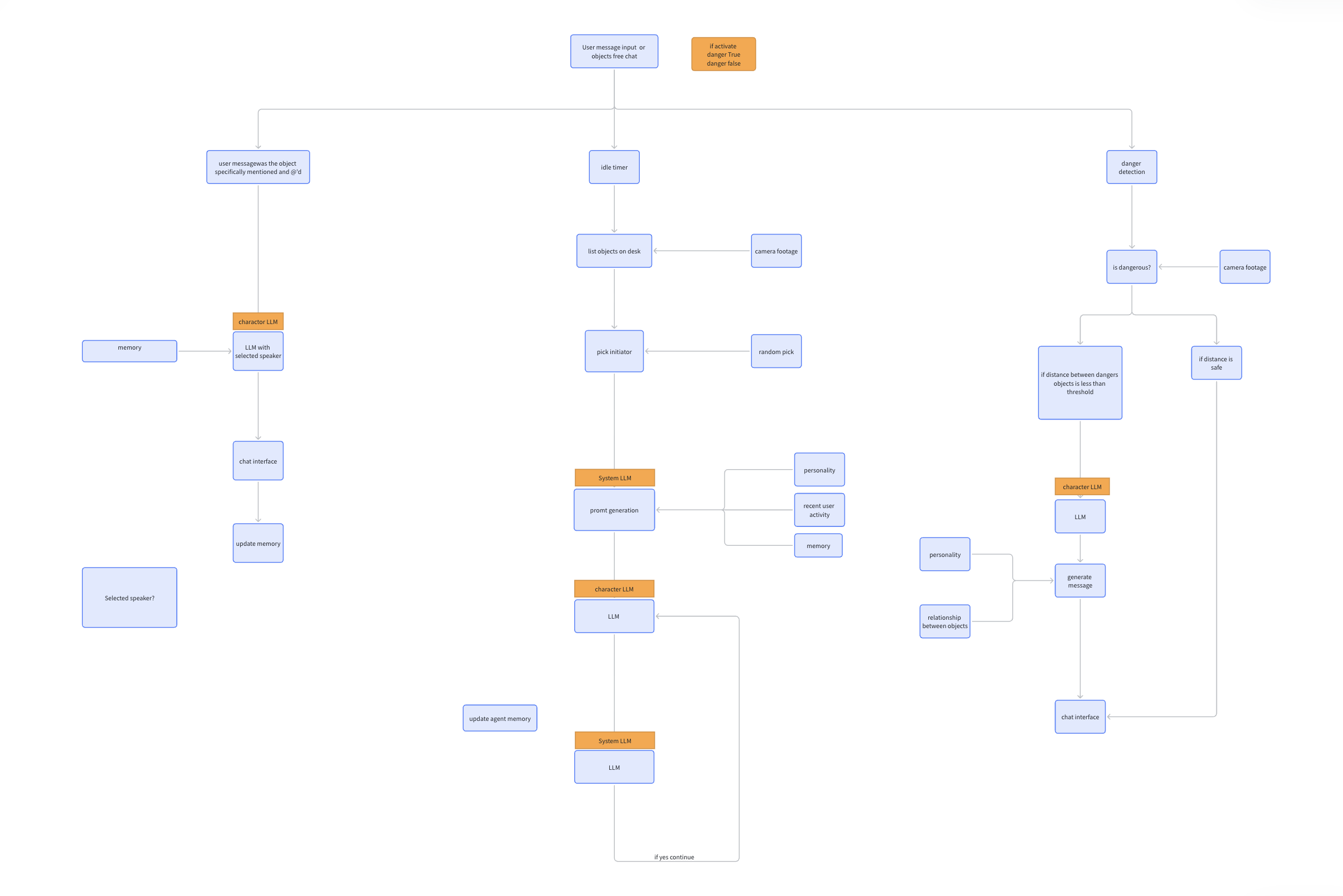
Desk Talk is organized around three pipelines: risk detection, item memory, and habit reminders. Each pipeline connects the real desk to the digital interface so the user can understand what is happening and act on it.
The camera checks whether items are too close to dangerous zones, such as liquids near electronics or objects drifting toward the edge of the desk.
The system updates a lightweight memory of where items appeared, then lets the user ask natural questions like where an item was last seen.
Habit cues are filtered through cooldowns and context so reminders feel timely instead of repetitive.
Technical Pipeline
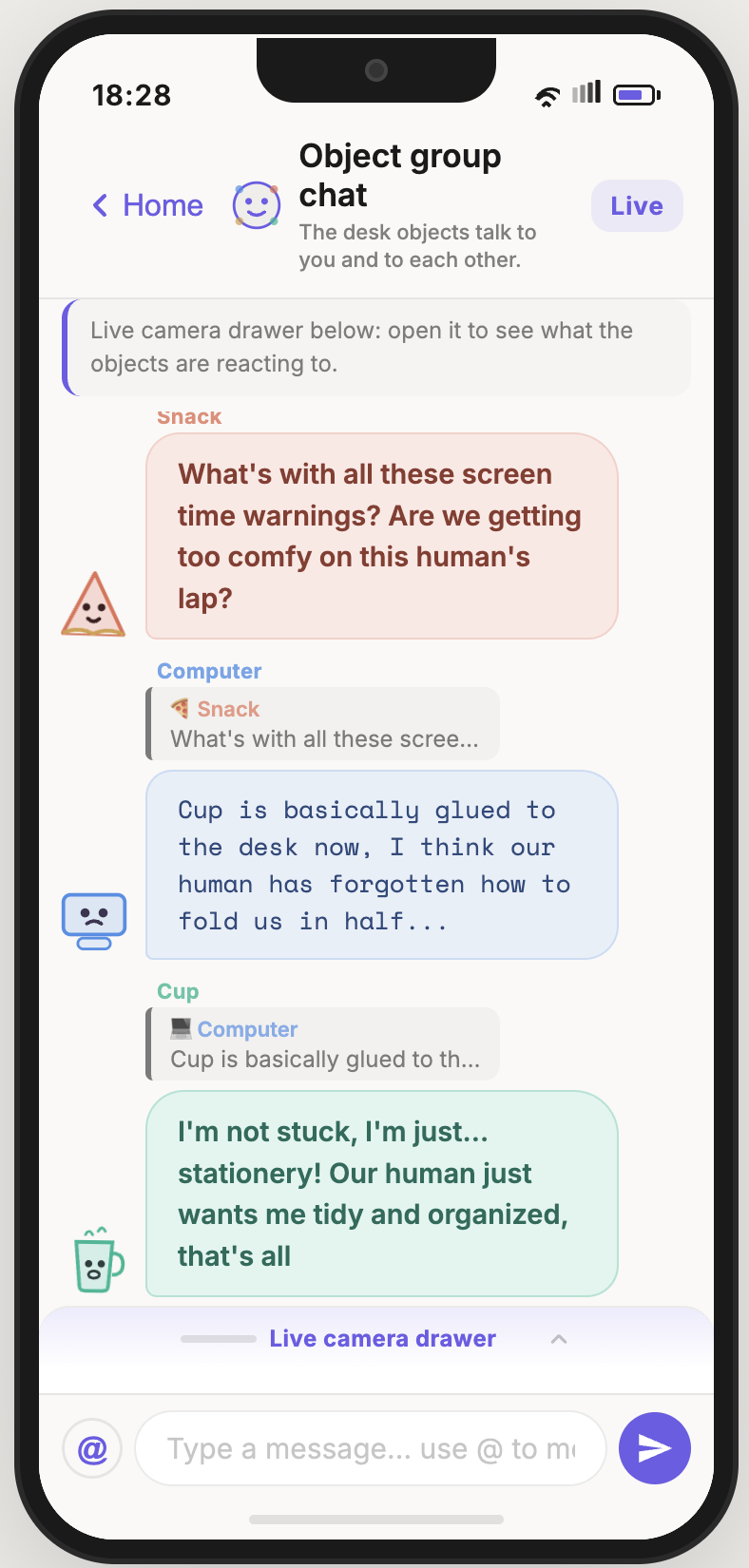
The dialogue system connects user input, idle item conversations, selected speakers, memory updates, danger detection, and character-specific LLM responses. This makes Desk Talk feel like a small group of desk agents rather than a basic alert system.
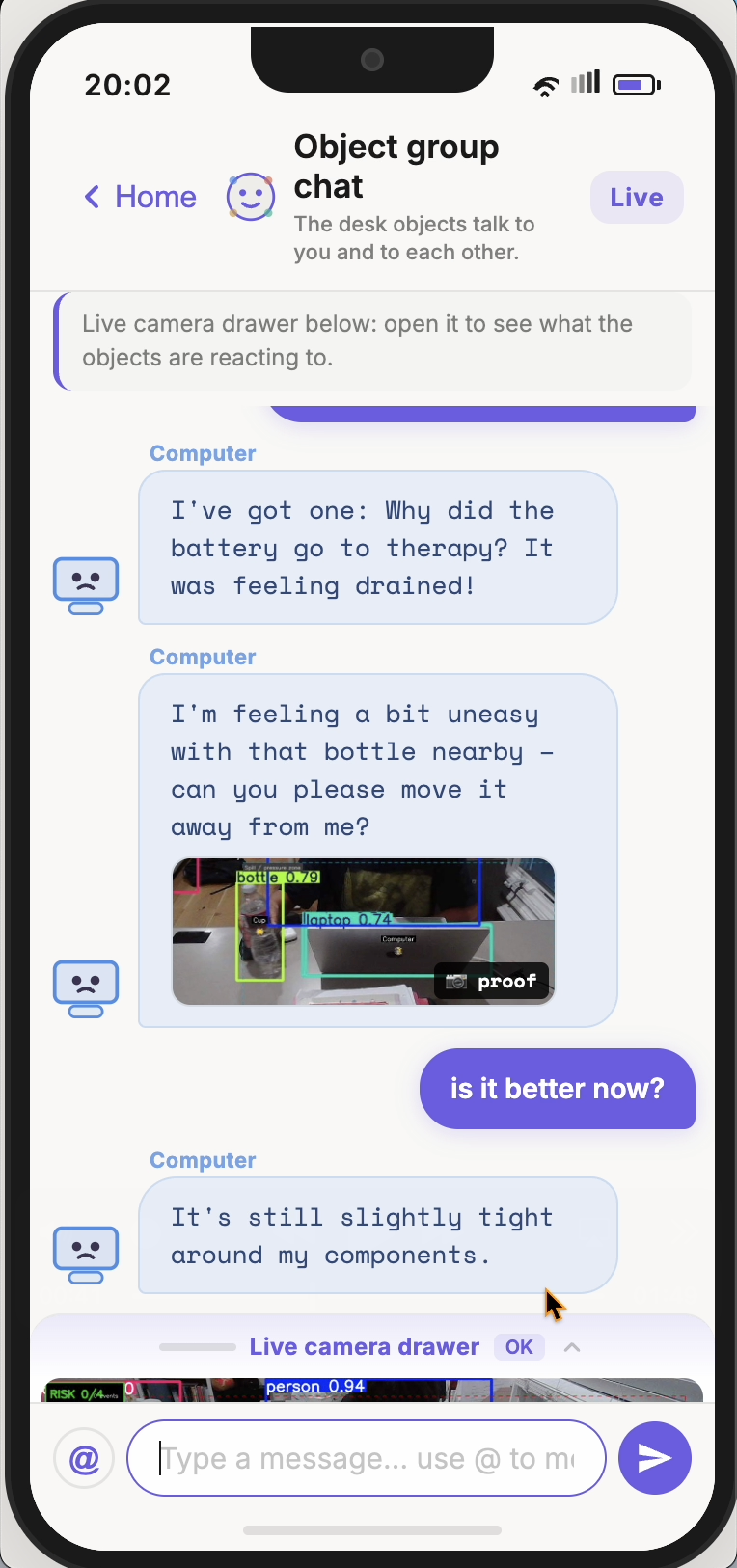
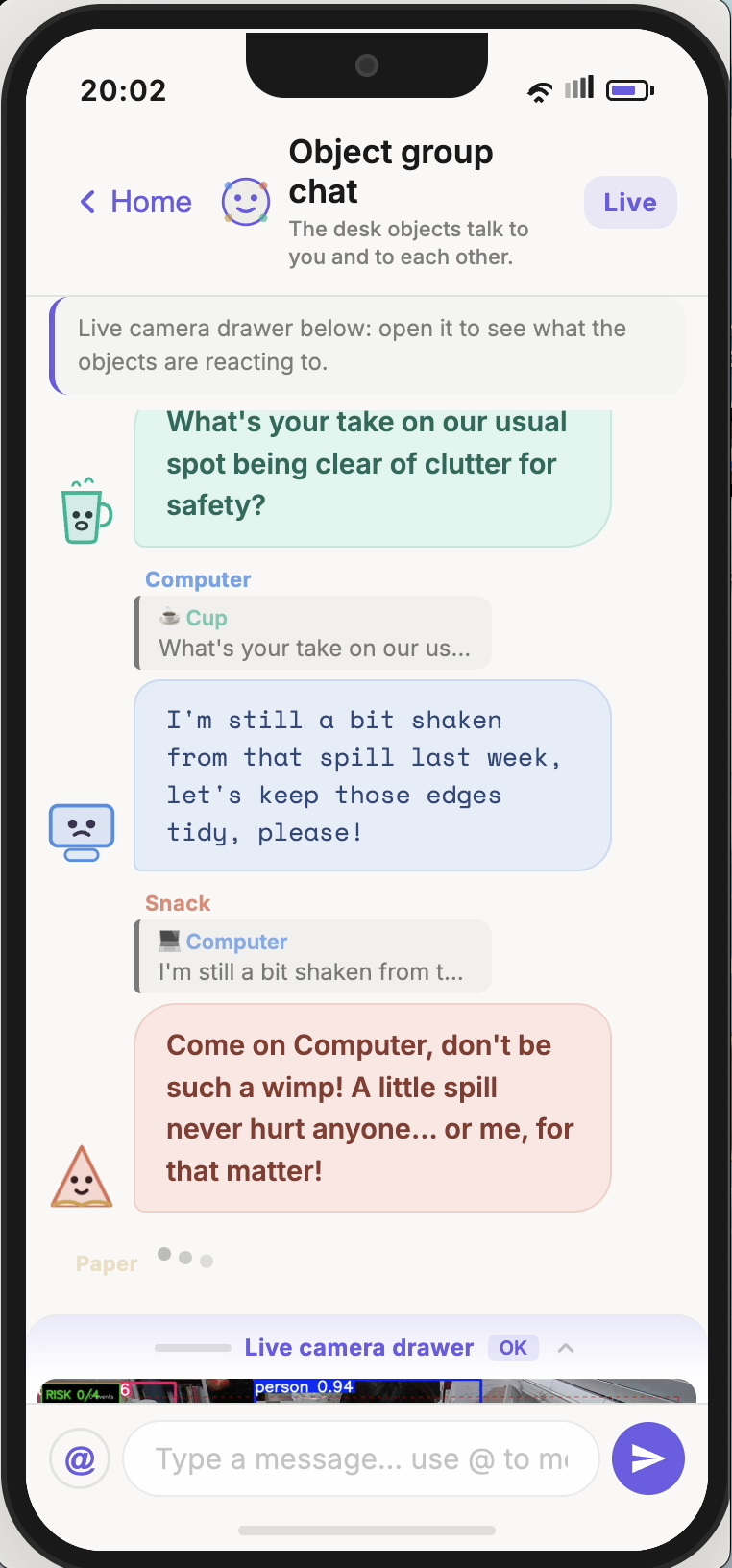
Alerts are designed to be short, specific, and easy to act on.
| Risk detection | Lost items | Reminders & habits |
|---|---|---|
| Cup near keyboard Drink geometry is flagged before it becomes a spill. | “Anyone seen my keys?” Last-seen answer from the desk log and camera state. | Phone beside keyboard A focus nudge appears after the phone stays there too long. |
| Desk edge drift An item moving toward the edge can trigger a warning. | AirPods / wallet / phone Small items are tracked when the scene changes. | Posture / screen distance Vision-assisted cues help identify repeated habits. |
| Crowded desk cluster The system can suggest tidying when the desk becomes visually overloaded. | Natural-language lookup Users can ask where something is instead of checking manually. | Hydration & plants Recurring reminders can be tied to visible desk items. |
Most reminder tools interrupt the user from outside the task. Desk Talk starts from the physical environment itself. The desk already contains signals: distance, item presence, clutter, repeated behavior, and routines.
By translating those signals into calm conversation, the system makes reminders feel more contextual and less generic. It becomes a workspace layer that is simple on the surface but technically aware underneath.
Add a research paper or evidence about how interruptions, clutter, poor posture, or environmental distractions reduce focus and productivity.
Add evidence about context-aware reminders, smart environments, computer vision, or just-in-time interventions to support why Desk Talk gives more relevant notifications.
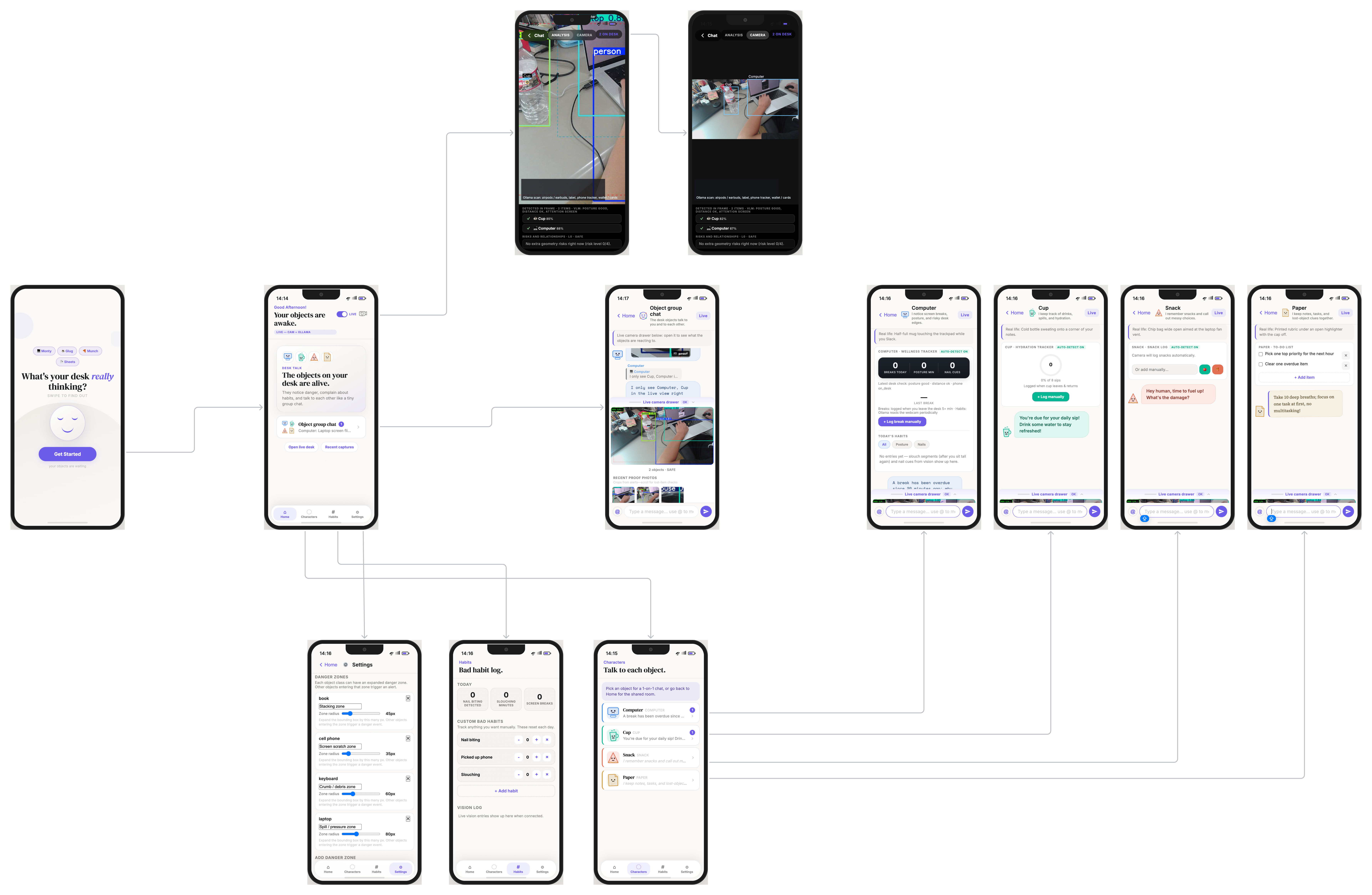
The sitemap shows the main paths through the app: live camera evidence, object chats, settings, habits, captures, and individual character conversations.
This section is reserved for the final live demo video. It should show the problem, the real desk setup, the interface response, and how Desk Talk connects physical desk events to digital reminders.
Demo video placeholder
Add your final live demo video here when it is ready.